notaps Oshi
Fan activity in one place

SOLO COMMAND ROOM
Closing the laptop does not stop the work. One machine at home stays on as a base, you reach it from anywhere, and AI agents keep running inside it. This is a Mac mini that is actually in service.
"Should I use Tailscale or mosh?"
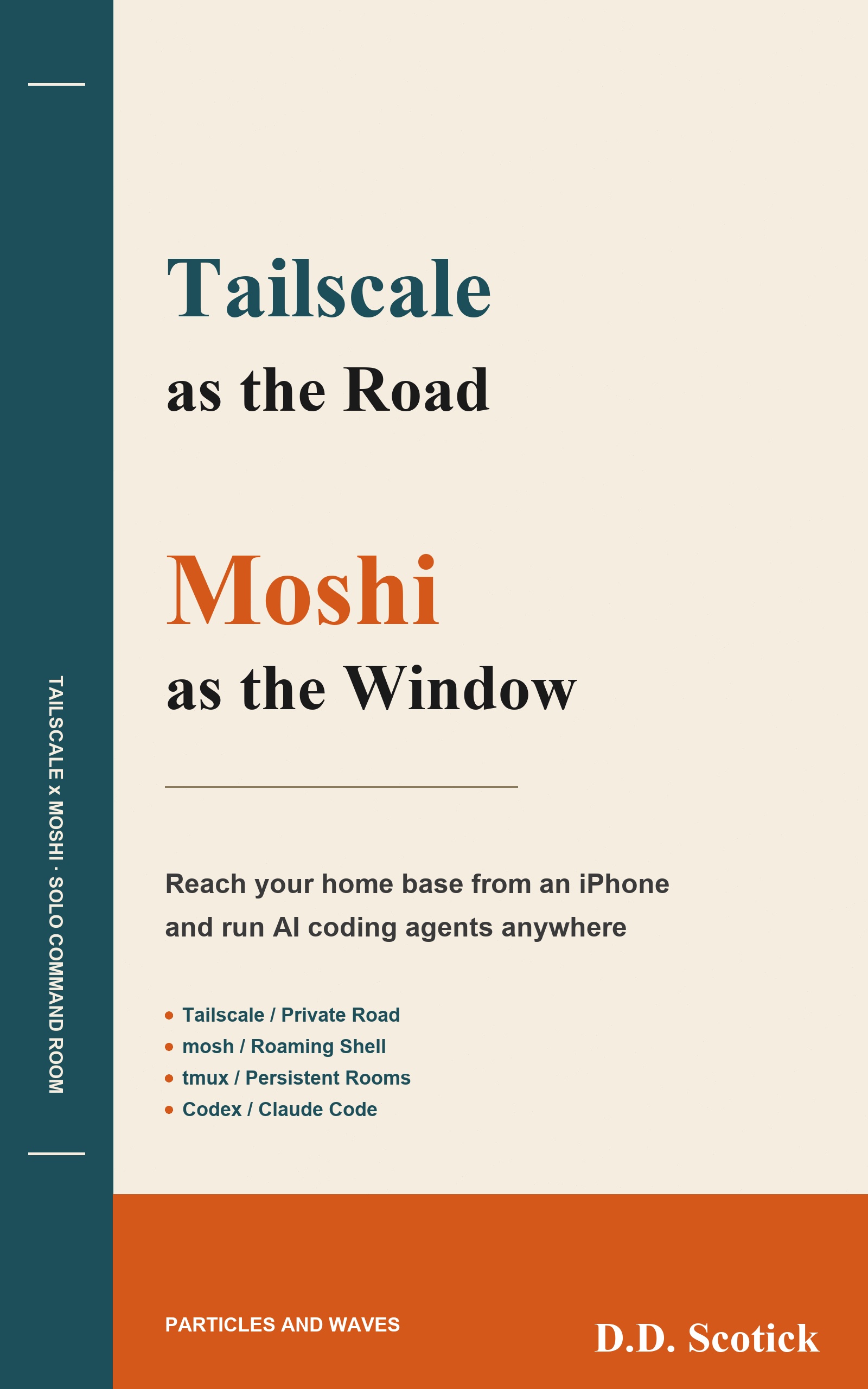
The question confuses two layers. Tailscale is the road; mosh is the window. Comparing things that sit at different layers has no answer. The real question is which road, and through which window, you reach the base.
They stack. No single one of them is the setup.
A path to the machine at home from anywhere. Traverses NAT, needs no static IP, opens no ports.
Runs down that road without breaking. Switch networks or sleep the phone, and the session is still there.
A session that does not disappear. Close the window and the desk stays; open the same desk from another device.
Always on. The agents live here. Whatever is in your hand is only a window onto it.
Running a laptop closed for hours fights its own thermals, which is the wrong trade for work that keeps agents busy for a long stretch. A machine that stays put can run without you thinking about heat or power. The iPhone and the MacBook go back to being windows.
The phone, the Mac mini and the MacBook all see the same terminal.
This pays off for work that finishes inside the base. Fine-grained GUI work, debugging against a physical device, and design work that needs a wide screen are all faster sitting in front of the machine. It is not a universal environment.
A fifteen-minute read. Twelve chapters cover reaching the base, keeping the connection alive, keeping the session alive, and putting AI agents to work in each window — including lockout prevention and the recovery notes from the time tmux went down with the server.
Read on KindleEvery app below was built and shipped from this setup, mostly during a commute.
Fan activity in one place
Passive vocabulary learning

Exam practice with statutory citations